Two-factor authentication
Who this is for:All users
Every Connecto account uses two-factor authentication (2FA) with an authenticator app. It’s required and always on — there’s no switch to turn it off. You set it up when you activate your account, and you enter a code from your authenticator app each time you sign in.
How it works
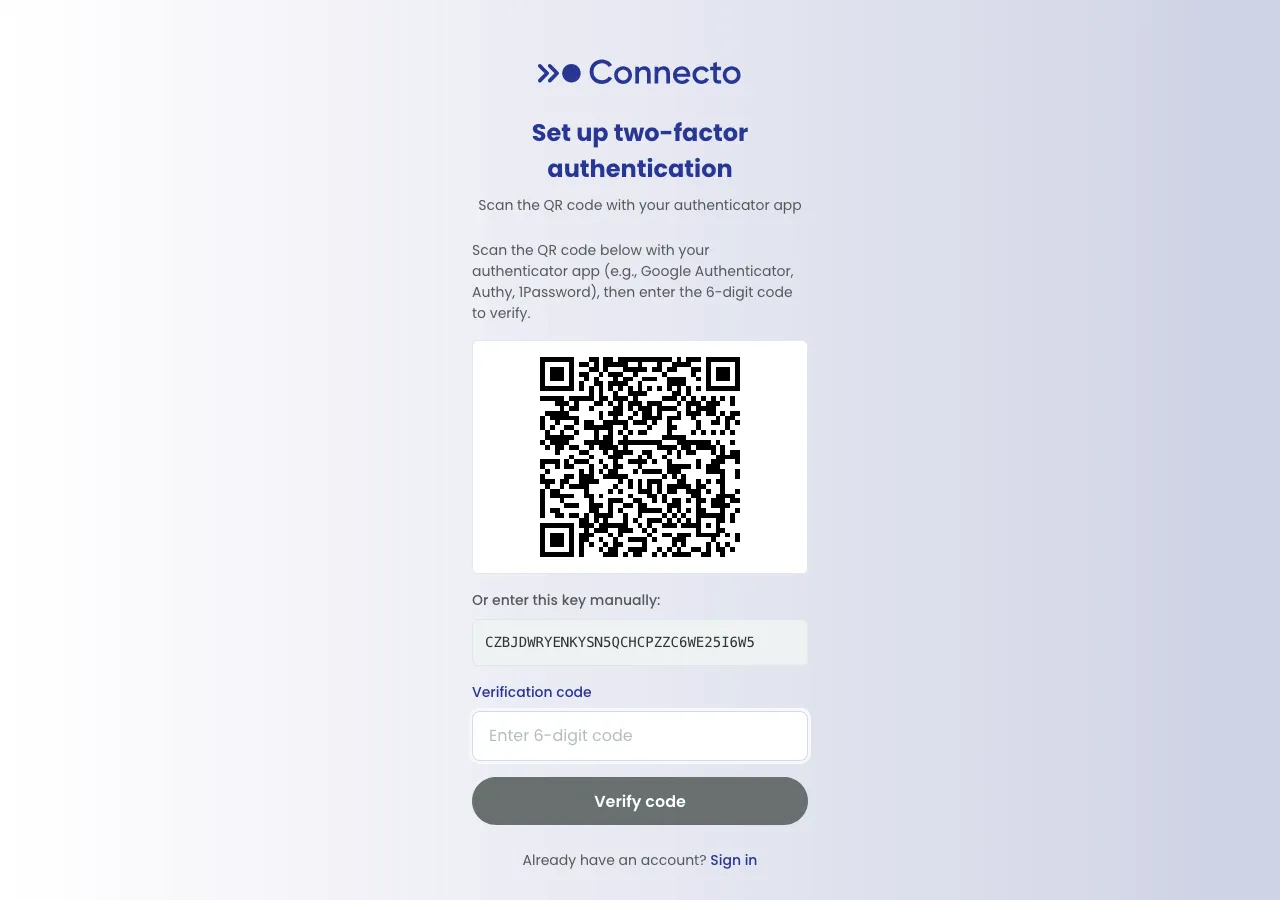
Section titled “How it works”- During activation you scan a QR code (or enter a secret key) into an authenticator app such as Google Authenticator, Authy, or 1Password.
- Your app then generates a 6-digit verification code that changes every 30 seconds.
- At sign-in, after your email and password, you enter the current code to finish signing in.
If you lose your authenticator
Section titled “If you lose your authenticator”If you can’t get a code from your authenticator app:
- On the Two-factor authentication screen, select Lost your authenticator? (or go to the Forgot password? link on the sign-in page).
- Reset your password by following the steps sent to you.
- Sign in again with your new password. Because a password reset also clears your old authenticator, Connecto shows Set up two-factor authentication and asks you to re-enroll: scan the new QR code (or enter the new key) into your authenticator app and enter a fresh Verification code to finish.
After re-enrolling, sign in as usual with your email, password, and a code from your newly set-up authenticator.