Signing in
Who this is for:All users
Once your account is activated, sign in with your email and password, then confirm your identity with a two-factor code.
Sign in
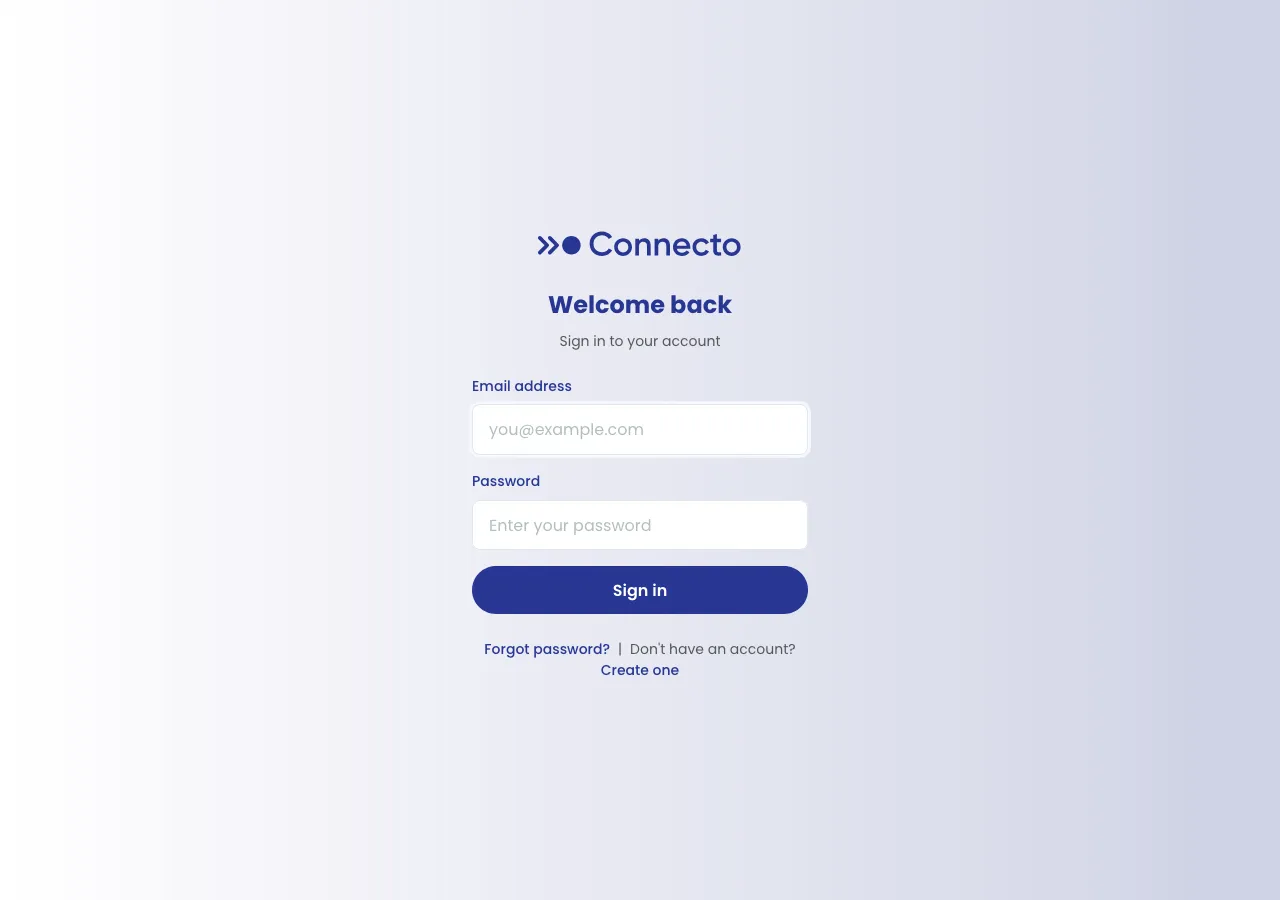
Section titled “Sign in”- Go to the Connecto sign-in page (
/login). It’s headed Welcome back. - Enter your Email address and Password.
- Select Sign in.
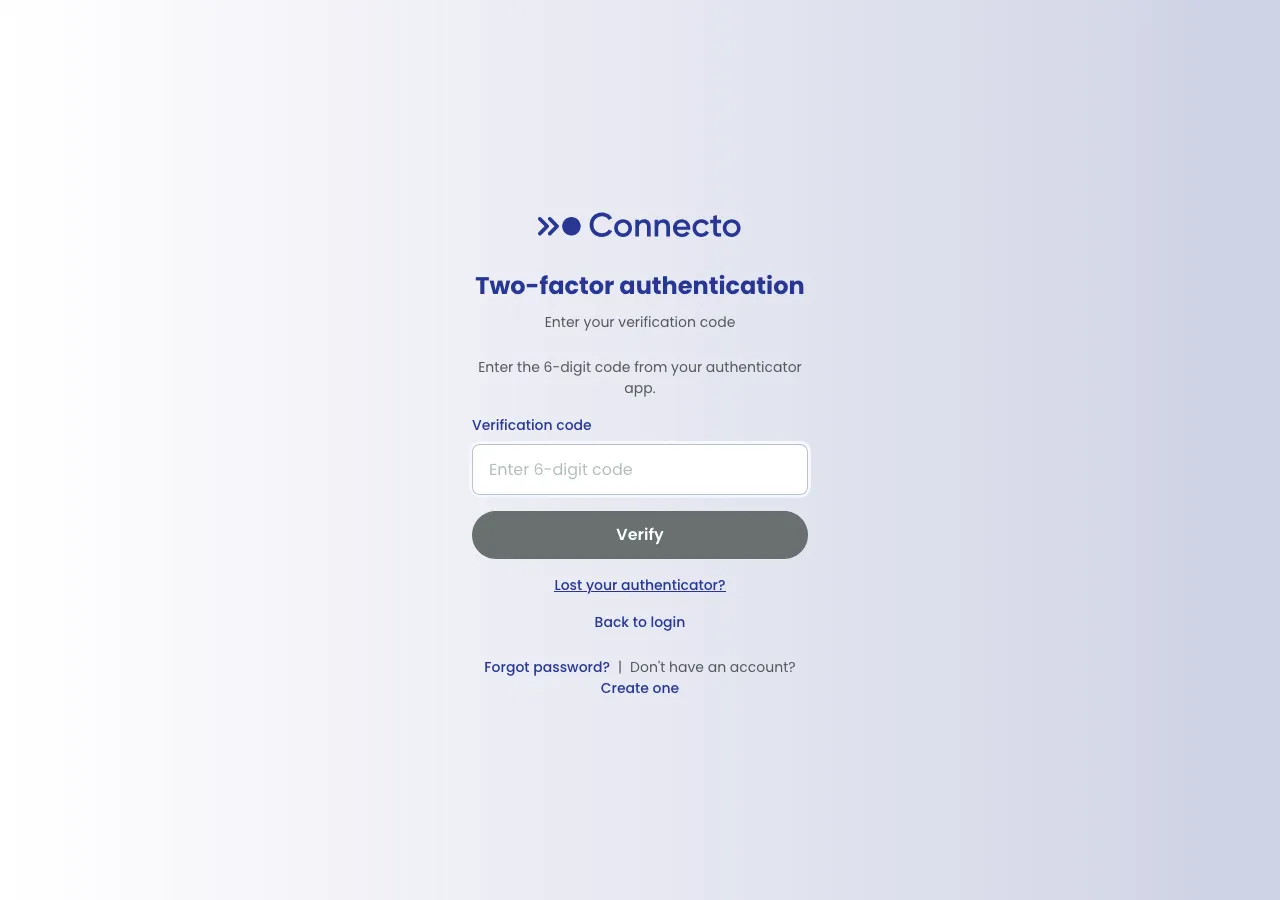
- On the Two-factor authentication screen, open your authenticator app, read the current 6-digit code, enter it under Verification code, and select Verify.
You’re now signed in.
If sign-in doesn’t work
Section titled “If sign-in doesn’t work”Connecto shows a message explaining what happened. The most common ones:
| Message | What it means |
|---|---|
| Invalid email or password. | The email or password didn’t match. Check for typos and try again. |
| This account has not been activated yet. Please use your invite code to complete registration. | You haven’t finished activation — accept your invite first. |
| Account is locked. Please try again later. | Too many failed attempts. Wait a little while, then try again. |
| This account has been deactivated. / This account has been suspended. | Your access has been turned off. Contact your administrator. |
Forgot your password? Use the Forgot password? link on the sign-in page. Note that resetting your password also resets two-factor authentication, so you’ll set up your authenticator again on your next sign-in — see Two-factor authentication.