Data sources overview
Who this is for:Organization admins
A data source is how you bring data into Connecto. Each data source belongs to an organization and has a type that determines where its data comes from.
Types of data source
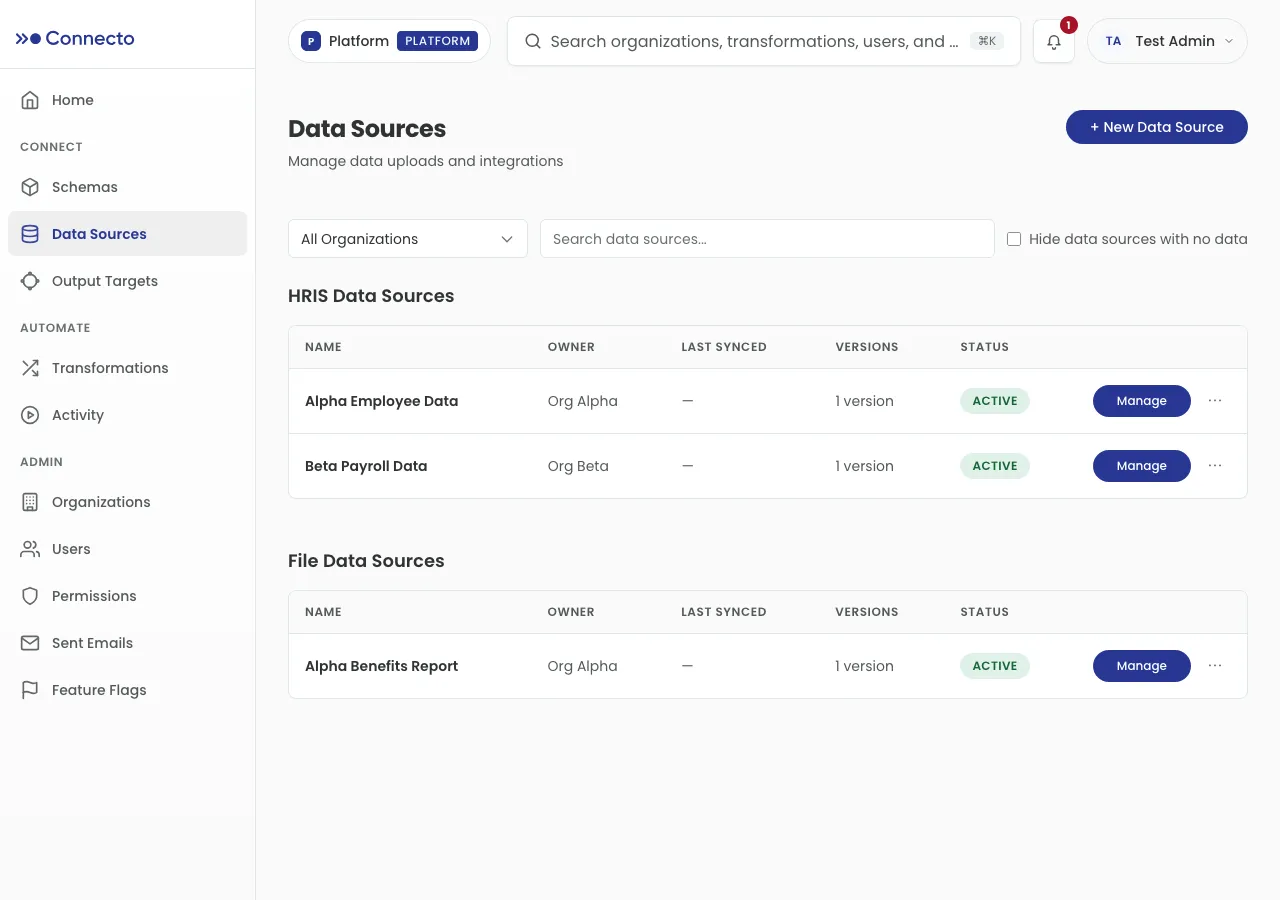
Section titled “Types of data source”The Data Sources page groups your sources by type:
- File data sources — a file you upload directly (see File uploads).
- SFTP data sources — a file Connecto pulls from an SFTP server (see SFTP).
- HRIS data sources — data from a connected HR system.
This section covers the two file-based types you set up yourself: uploads and SFTP.
The New Data Source wizard
Section titled “The New Data Source wizard”You create every file-based source with the same wizard. From the Data Sources page, select + New Data Source. The wizard walks through four steps, shown down the side:
- Name & Type — pick the organization, choose the data source type, and give it a name.
- File Setup — provide the data: upload a file, or connect to an SFTP server and pick a file.
- Schema & Preview — define or validate the columns, and preview the rows.
- Review & Share — check a summary and optionally share the source with a provider organization, then select Create Data Source.
Use Next and Back to move between steps, or Cancel to leave. Your progress is saved as a draft, so you can come back and finish later.
Ready to add one? Start with uploading a file or connecting over SFTP.